Switch at the top of Today
Tap the baby's name, then choose the other baby.
Two babies, one family journal. Log for the selected baby, switch at the top of Today, and review each twin’s own history.
This demo stays on this page. In Ella, the same taps go straight to your family's shared journal, from your home screen.
Tap the baby's name, then choose the other baby.
Time since the last feed and awake time for the selected baby; switch to check the other twin.
Feeds, sleep, diapers and growth for each baby.
Everyone can switch between the babies and see who logged each entry.
Ella keeps both babies in one family journal. The switcher at the top of Today lists their names and ages; select a baby to see that baby's Today screen, journal and charts. Before logging a feed, check that the correct baby is selected, even at 3 a.m.
Today shows the time since the last feed, awake time and time since the last diaper for the selected baby. Switch to the other twin to read their counters.
If you tandem feed or give two bottles together, log each baby's feed on their own timeline. Timers run separately, so each feed keeps its own length. At night, log the first baby's feed, switch, then log the second.

On the Android widget, logs go to the baby selected in Ella. Switch babies at the top of Today before you tap.
Twins often settle into different patterns. Charts, the 24-hour view and growth charts are per baby, so you can follow each one's day without the other's entries getting in the way.
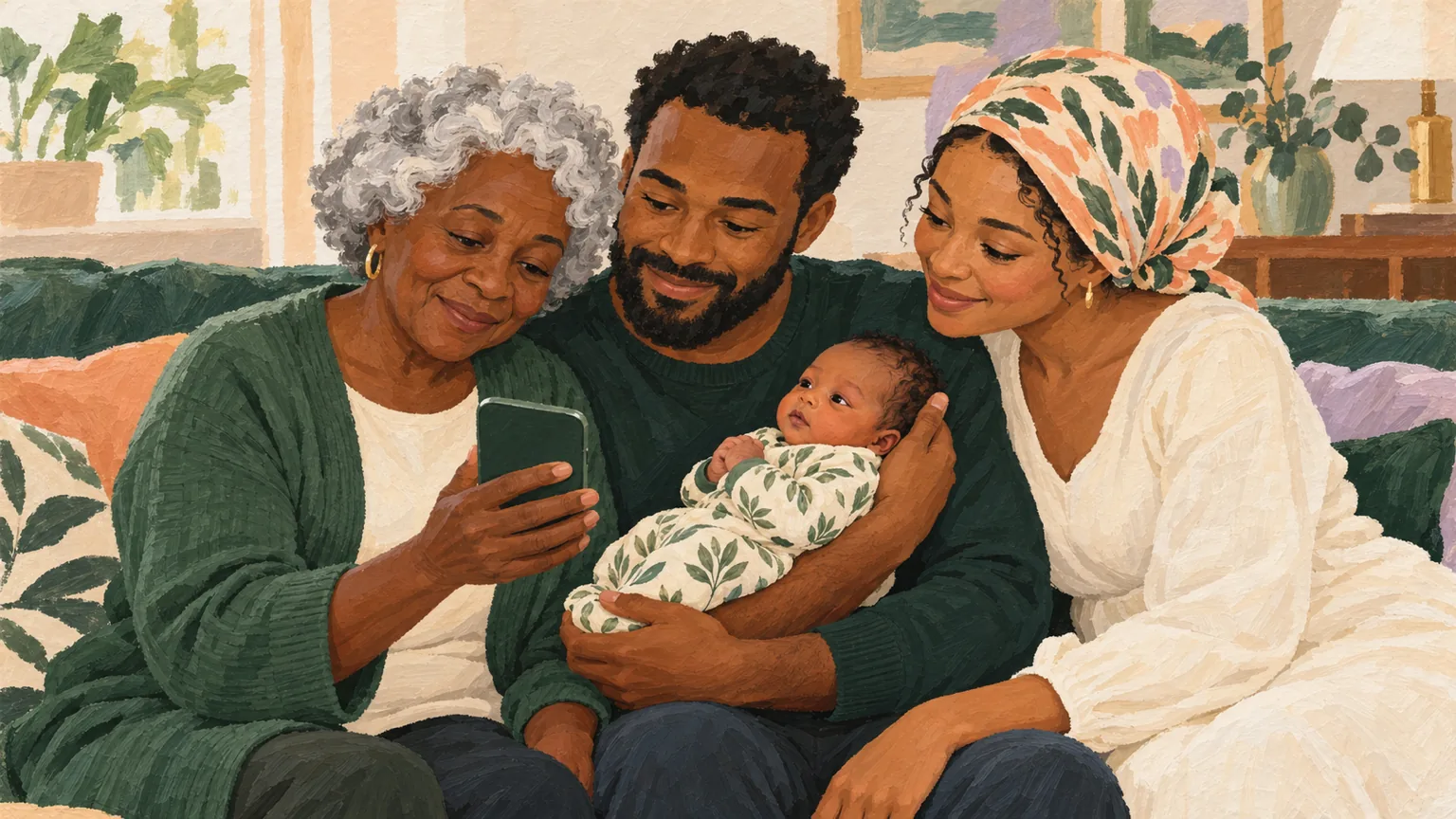
Families with twins often have extra help, and many split by baby rather than by shift: one parent takes one twin for the night. Invite grandparents or a nanny too. Every entry shows who logged it and for which baby, so the split stays clear.
Before a check-up, open Charts for each baby in turn: feeds, sleep, diapers and growth are kept separately for each twin.
If you like paper for the first days at home, print two copies of the daily log, one per baby, or use one sheet with a different colored pen for each twin.

Start a journal and add your first baby.
In Family & settings, tap Add a baby.
Invite your partner and helpers with a link or QR code.
Switch between the babies at the top of Today and log each feed on its own.
Yes. Both babies live in one family journal, and you switch between them at the top of Today.
Yes. Charts, the 24-hour view and growth charts are per baby.
Yes. Each entry is saved for the selected baby. Different caregivers can log for different twins at the same time; switch babies to read each baby’s history and counters.
You can start free, with no ads. We may add optional premium features later, and we will always show the price before you pay anything.
Start free in under a minute. Invite your family when you are ready.